Establish shelter
Block out where people can gather, rest or take cover. Think about entrances, sightlines and the route between the base and the surrounding world.
Explore Survival Kit

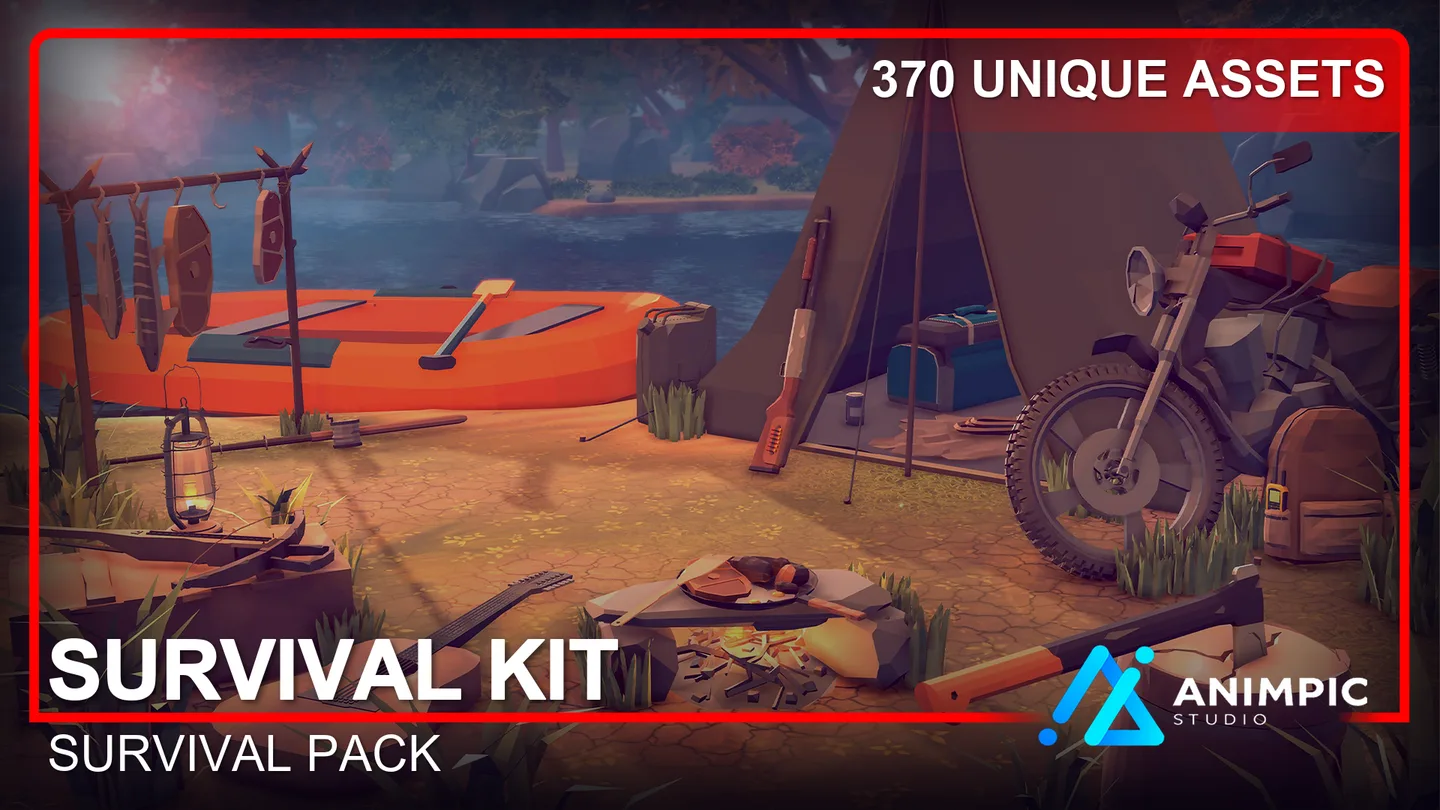
Build camps, shelters and supply locations with published Animpic asset packs. Choose the pieces that serve your scene, then check each pack for its available files.
A convincing survival location gives players a quick sense of where people live, work and store supplies. Begin with the scale of the scene: a small campsite, a sheltered base or a larger connected environment. Add props only when they help explain how that place is used.
The packs below cover different parts of that process. You can browse them independently; the contents and available engine files are listed on each product page.
Block out where people can gather, rest or take cover. Think about entrances, sightlines and the route between the base and the surrounding world.
Explore Survival KitUse structures and work areas to show what the settlement is built for. A clear layout helps the player read the scene before the small details arrive.
Explore Survival ConstructionTools, supplies and provisions make a space feel inhabited. Place them where someone would naturally use or store them, rather than filling every empty corner.
Explore Survival ToolsFor a top-down game, give routes and usable areas room to breathe. Dense props can make a camp look rich in a close-up but obscure movement and interaction when the camera pulls back.
For a third-person view, inspect the entrance and the next landmark at eye level. Test your lighting and camera inside the actual project before deciding where smaller assets belong.
Only currently published packs assigned to the Survival series appear here. Check each product page for its exact contents, supported engines and downloads.








Start with one location or combine several collections as your project grows. Review the product details before choosing files for your engine.
Browse Survival in the shop